How to close a Betwinner account — the balance and export checklist, the operator's confirmation flow, and the data-retention questions to ask.

Closing an account cleanly takes more than a single click. Below: the pre-closure checklist, the balance and export decisions, the operator's confirmation flow, and the data-retention questions worth asking before you confirm.

Pre-closure checklist

Seven things to handle before you confirm.

The list below assumes you intend to close the account cleanly. If you are pausing rather than closing, some steps do not apply — but most do.

1. Settle open bonus wagering

Unmet wagering requirements may void active bonuses. Resolve them before requesting closure, or accept that they will be cancelled.

2. Withdraw the remaining balance

The balance must be withdrawn before closure. Pending withdrawals are usually honoured; deposits made after closure are typically rejected.

3. Export your data

Most operators offer a self-service export of bet history, transaction records, and KYC documents. Capture this before closure.

4. Save the closure request

Screenshot the request page, the confirmation message, and the reference ID. The desk has seen closure requests vanish from operator queues.

5. Unsubscribe from marketing

Closure does not always unsubscribe you from marketing email. Manage preferences separately to be safe.

6. Remove saved payment methods

Most operators allow you to delete saved cards or accounts before closure. Removing them is a useful belt-and-braces step.

7. Disable 2FA after confirmation

Two-factor tied to a phone you will lose becomes a future lockout. Plan the device handover before closure.

Operator's confirmation flow

What the closure process typically looks like.

Most licensed operators run a confirmation flow that includes an identity re-check, a "are you sure" step, and a cooling-off window. The flow is regulator-driven and exists to prevent impulse closures — but it also gives you a window to cancel the closure if you change your mind.

  • Self-service closure via profile settings — most common path.
  • Email request to customer support — required where self-service is restricted.
  • Cooling-off window of 24 to 72 hours before closure completes.
  • Closure reference ID issued once the request is accepted.
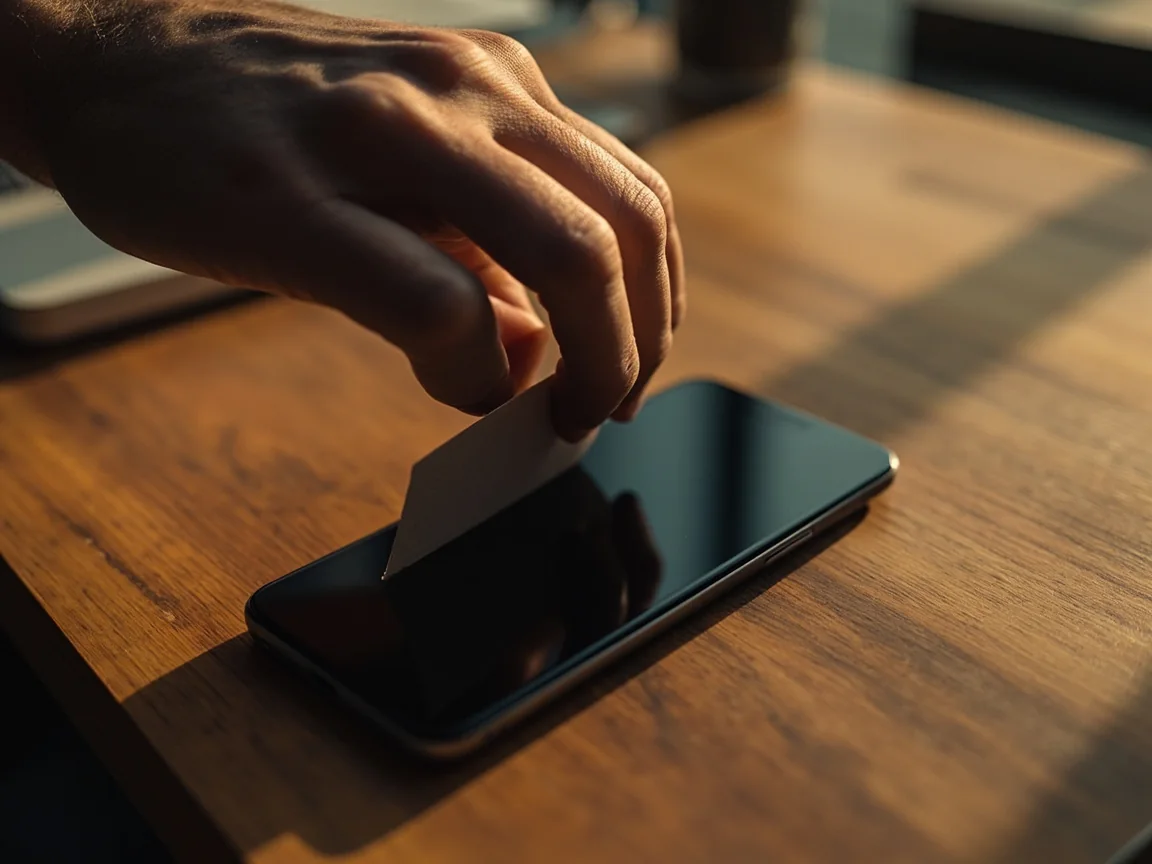
Cleanup and review context
Data retention

The five data-retention questions worth asking.

Closure does not always mean deletion. Licensed operators are typically required to retain certain records for anti-money-laundering and tax purposes, sometimes for years after closure. The questions below help you understand what stays and what goes.

What is retained?

Ask for the categories of data retained after closure: KYC, transaction history, marketing consent logs.

How long is it retained?

The retention period varies by jurisdiction and record type. Ask for the longest applicable window.

Who has access?

Ask whether retained data is shared with affiliates, payment processors, or regulators — and under what authority.

Can I request deletion?

Some jurisdictions (GDPR, DPDP) grant a right to deletion of non-regulatory data. Ask whether the operator will action that request.

What is anonymised?

Where data is retained for regulatory reasons, the operator may anonymise it. Ask for the anonymisation policy.

When is confirmation sent?

Ask for written confirmation of closure and a summary of the retention policy at the time of closure.

Reference imagery

Editorial photography from the desk.

Imagery anchors the closure discussion without implying any editorial relationship with the operator.

Cleanup and review context
Cleanup mindset — keeping the closure flow auditable.
Mobile security context
Security posture — what stays on the device after closure.
FAQ

Account closure, frequently asked.

The questions the desk receives most often about closing a Betwinner account.

Can I reopen my account after closing it?

Most operators allow re-registration after a closure cooling-off period, but the original account is not restored. KYC may need to be repeated. Read the operator's re-registration policy before closing.

What happens to my bonus balance?

Active bonuses with unmet wagering requirements are typically cancelled on closure. Settle wagering first or accept the cancellation.

What happens to my withdrawal history?

Transaction history is typically retained for regulator-required periods even after closure. Ask for the operator's retention policy in writing.

Can I close the account from the app?

Many operators offer self-service closure from the app. Where the option is not present, customer support can process the request via email.

How do I know the closure completed?

Ask for written confirmation with a closure reference ID. Do not assume the closure is complete until you have the confirmation.

What if I receive marketing email after closure?

Forward the email to customer support and ask for the marketing preference to be removed. The desk has observed that some operators continue to mail post-closure until the preference is reset.

Pre-closure is where most of the value is captured.

The seven-step checklist handles the balance, the export, and the data-retention questions. Confirmation is the last step, not the first.

1
Settle bonus wagering before requesting closure.
2
Withdraw the remaining balance first.
3
Export data and save the closure reference ID.
4
Ask the five data-retention questions in writing.
Login help Find official app
Play now